Every token lasts a full year. Failed creations are refunded automatically. We don’t eat up your money for no return.

Creation4Creators AI

Resize and crop any image, free.

Drop an image, pick an exact size or a social preset, and drag the frame over what you want to keep. Everything runs in your browser, so your image never leaves your device. Free, no account, no watermark.

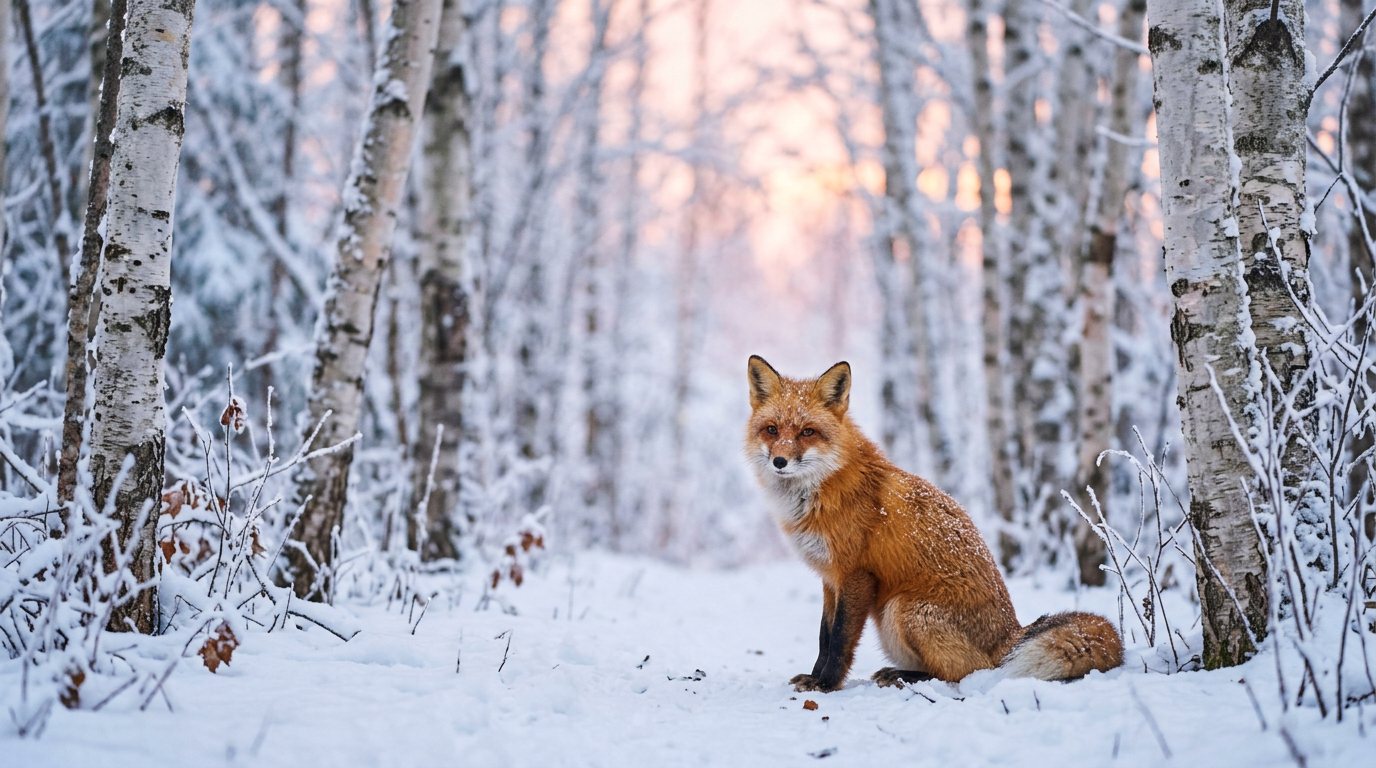
A red fox sitting in a snowy birch forest at dawn, soft pink light, shallow depth of field, wildlife photo4:5 · Instagram portraitDemo
Made on Creation4Creators with Nano Banana 2 / Gemini. Prompt: “A red fox sitting in a snowy birch forest at dawn, soft pink light, shallow depth of field, wildlife photo” Make your own

Free. Your image stays on your device and no tokens are used.

Choose an image or drop it hereJPG, PNG or WebP, up to 30 MB

Resize with precision, crop with intent.

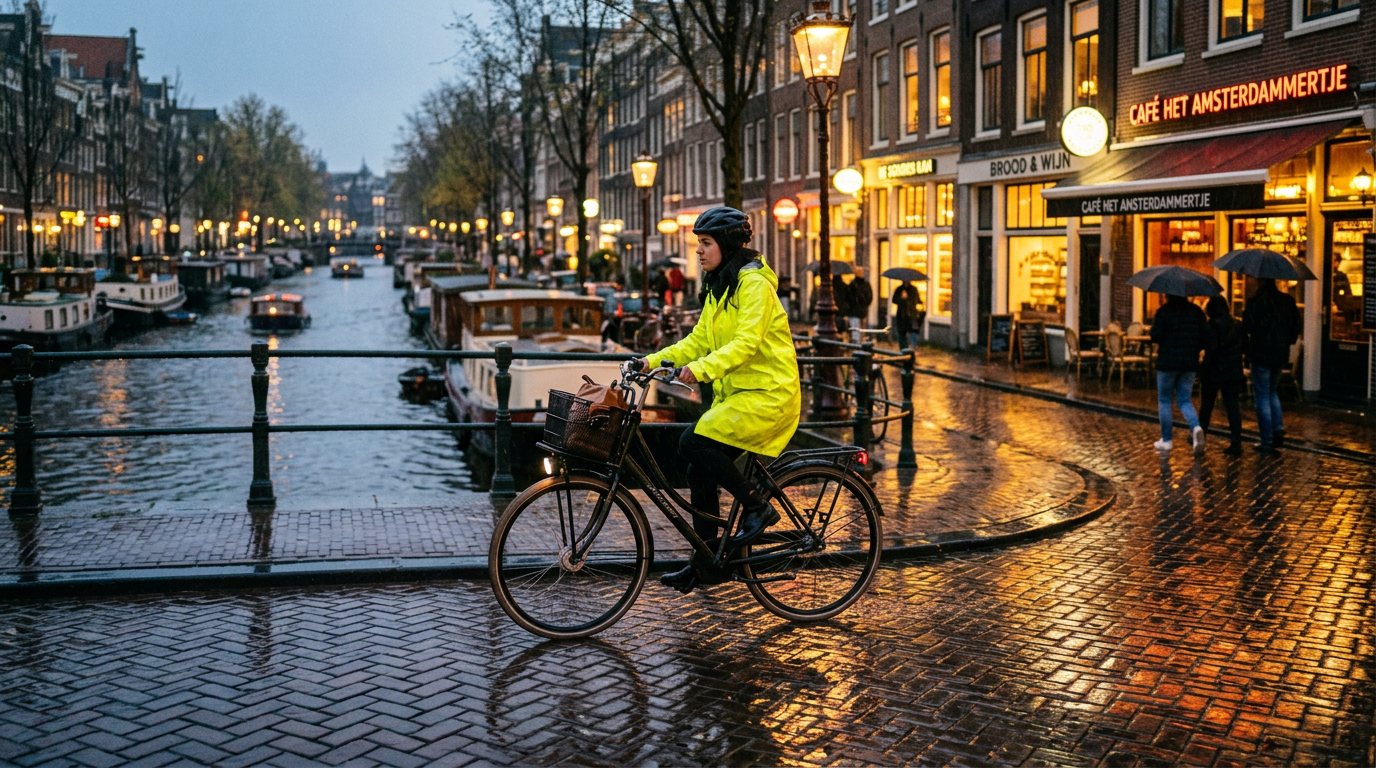
A cyclist in a bright yellow raincoat riding along a rainy canal street at dusk, warm shop lights reflecting on wet cobblestones, street photo9:16 · Reel1080 × 1920
Made on Creation4Creators with Nano Banana 2 / Gemini. Prompt: “A cyclist in a bright yellow raincoat riding along a rainy canal street at dusk, warm shop lights reflecting on wet cobblestones, street photo” Make your own
Exact pixels

The exact size every platform expects.

Type a width and height, or pick a preset: Instagram post and portrait, Reels, Stories and TikTok, YouTube thumbnail, Facebook post and cover, X post and Pinterest pin. The download comes out at exactly those pixels, every time, and Keep original shape holds the proportions while you type.

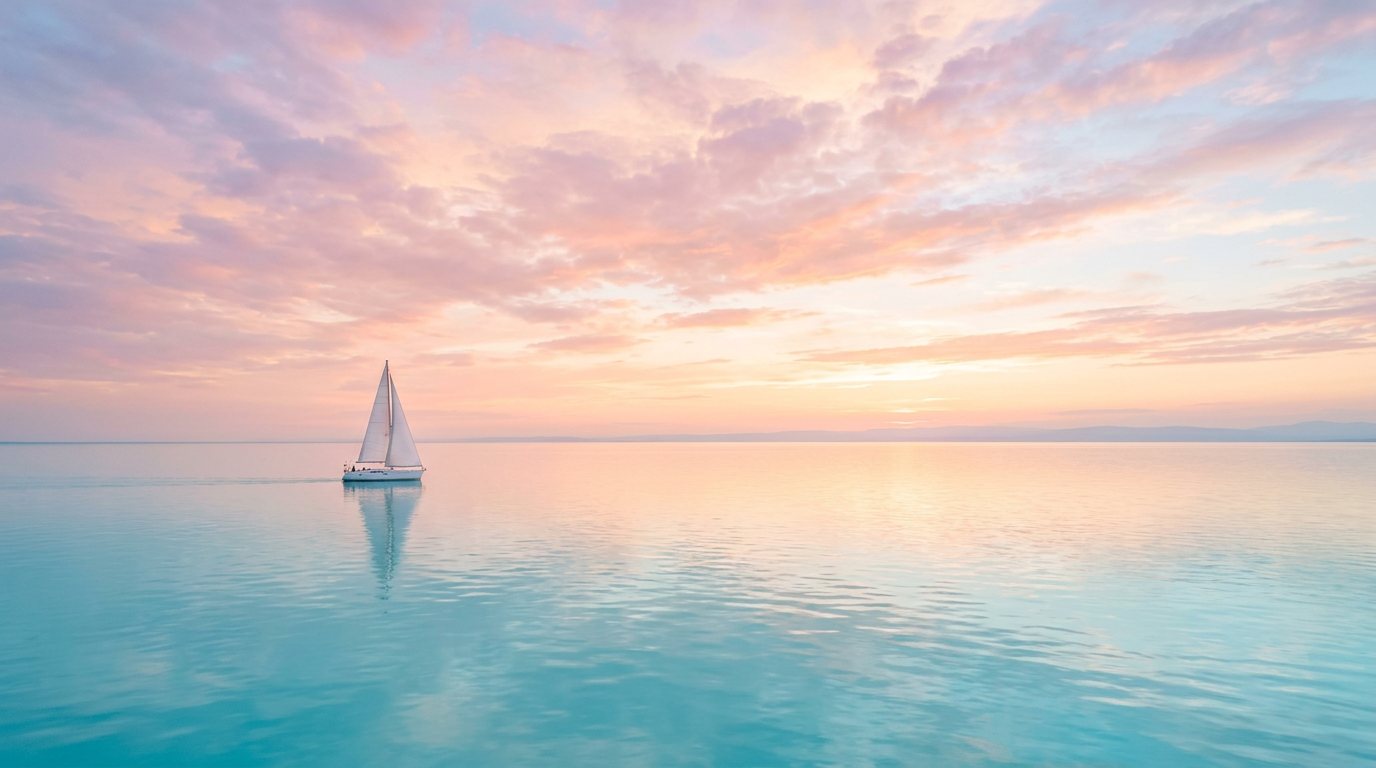
A single white sailboat on a calm turquoise sea under a vast evening sky with soft pastel clouds, wide minimal composition1:1 · PostDrag to reframe
Made on Creation4Creators with Nano Banana 2 / Gemini. Prompt: “A single white sailboat on a calm turquoise sea under a vast evening sky with soft pastel clouds, wide minimal composition” Make your own
You frame it

The part you keep is always in view.

When the new shape differs from your photo, a frame of that shape sits over it. Drag it to move, use the arrow keys for fine steps, and zoom to tighten the shot. What is inside the frame is exactly what you download.

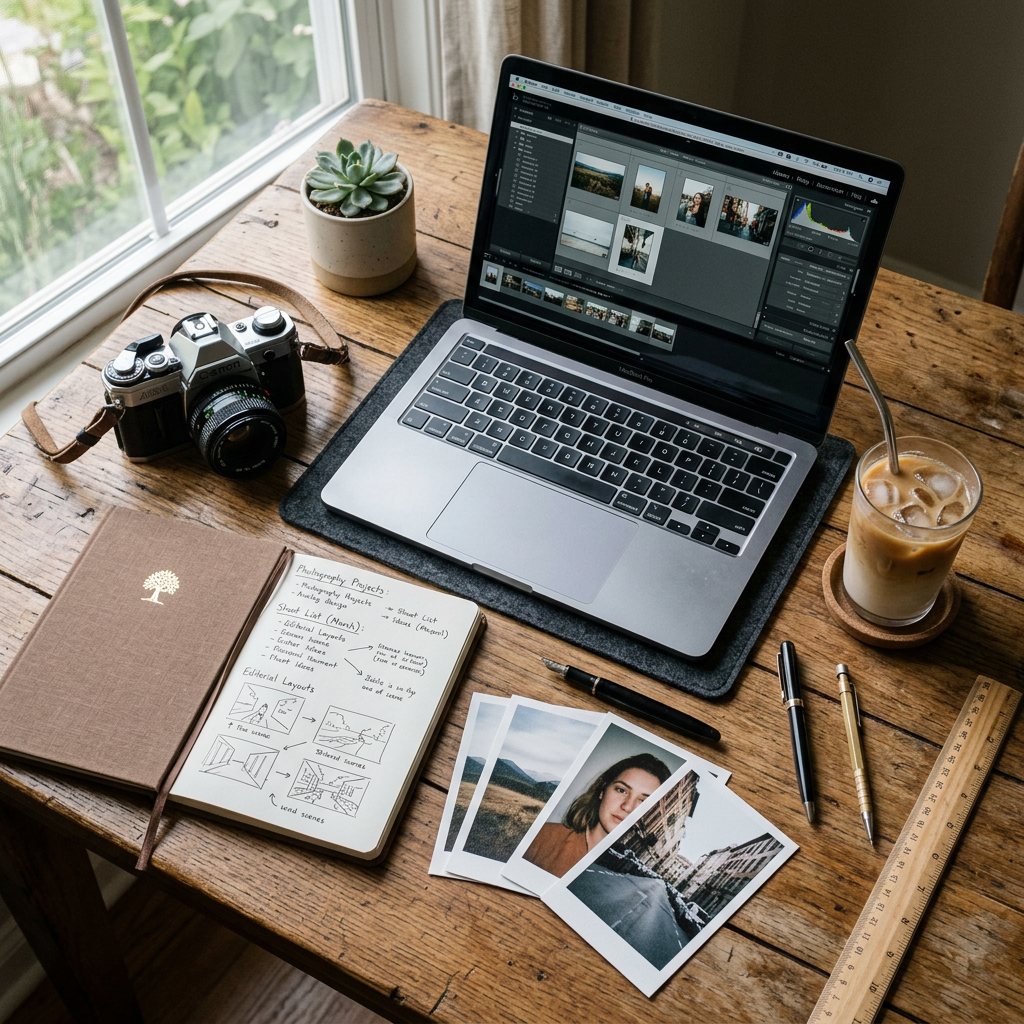
Overhead flat lay of a creator's wooden desk: open laptop, film camera, notebook with handwritten notes, iced coffee, a few printed photos, morning window light16:9 · YouTube thumbnailProcessed locally
Made on Creation4Creators with Nano Banana 2 / Gemini. Prompt: “Overhead flat lay of a creator's wooden desk: open laptop, film camera, notebook with handwritten notes, iced coffee, a few printed photos, morning window light” Make your own
Private by design

Your image never leaves your device.

Resizing and cropping run entirely in your browser, with no upload at all. Nothing is sent to a server, nothing is stored, and the tool works the same whether you are signed in or not.

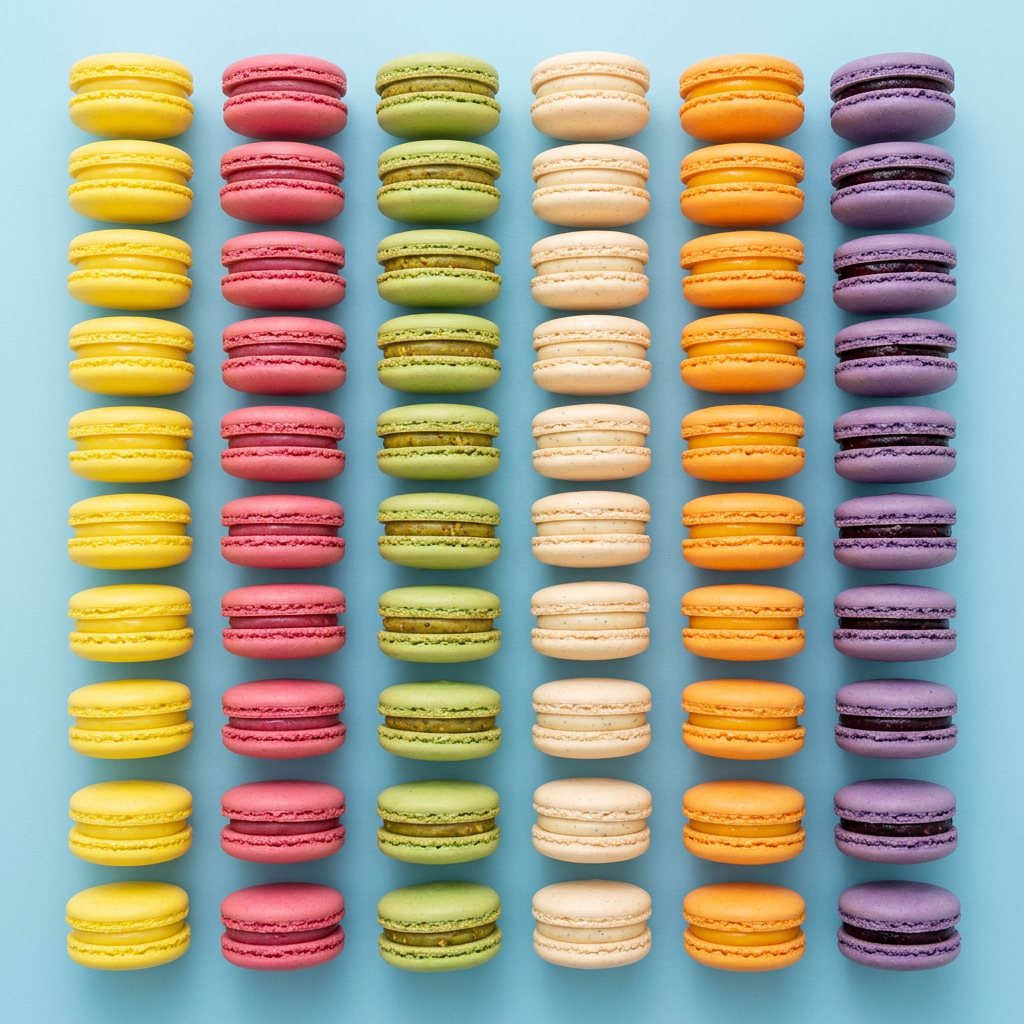
Rows of colourful French macarons arranged in a neat grid on a pastel blue background, top-down, bright studio light2:3 · Pinterest pinJPG · PNG · WebP
Made on Creation4Creators with Nano Banana 2 / Gemini. Prompt: “Rows of colourful French macarons arranged in a neat grid on a pastel blue background, top-down, bright studio light” Make your own
Any format

JPG, PNG or WebP out, with a quality dial.

Keep the original format or convert on the way out. PNG keeps transparent areas, JPG and WebP get a quality slider, and you see the real file size of the result before you download it.

How it works

Three steps. Seconds.

Add, size, download. Everything happens in your browser, so there is no upload wait and no queue.

  1. Step 01

    Add an image

    Drop in a JPG, PNG or WebP up to 30 MB, or tap to choose one. It opens straight away and never leaves your device. No account needed.

  2. Step 02

    Frame it and set the size

    Pick a preset for Instagram, Reels, YouTube, Facebook, X or Pinterest, or type exact pixels. A frame of that shape appears over your photo: drag it over what you want to keep, and zoom in to tighten the shot.

  3. Step 03

    Download exact pixels

    Choose JPG, PNG or WebP, set the quality and resize. You see the final dimensions and file size before you download. No watermark.

Tips for best results

Small habits, cleaner exports.

A few things that make the difference between an image that works and one that looks right.

  • Social

    Start from the preset, then reframe

    Pick the platform preset first so the frame locks to the right shape, then drag it over the part of the photo that matters. The download is already the exact pixels the platform wants.

  • Quality

    Shrink freely, enlarge with care

    Making an image smaller keeps it sharp. Making it bigger cannot add detail that was never there, and zooming in enlarges what is left, so start from the largest original you have. The readout under the frame shows how many of your pixels are kept.

  • File size

    WebP for the web, PNG for graphics

    WebP at quality 80 to 90 is usually the smallest file that still looks clean. Use PNG for logos, screenshots and anything transparent. JPG has no transparency, so clear areas take the background colour.

  • Every size

    One photo, every format

    Your image stays loaded after you download. Pick the next preset and resize again, so a post, a Story and a thumbnail take seconds each.

Frequently asked

What is the difference between resizing and cropping?

Resizing changes the pixel dimensions of the whole image. Cropping cuts away the edges. When the size you want is a different shape from your photo, Crop to fill does both: you drag a frame of the new shape over the part you want, and that part is resized to exact pixels.

Is this image resizer really free?

Yes. It runs on your device, so it uses no tokens, needs no account and adds no watermark.

Does my image get uploaded anywhere?

No. Your image is opened, resized and saved by your browser. It is never sent to our servers.

Will resizing reduce my image quality?

Making an image smaller keeps it sharp; the tool shrinks large images in stages to avoid jagged edges. Making it larger spreads the same detail over more pixels, so it softens. For JPG and WebP, the quality slider trades file size against detail, and 90 is a good default.

Can I change the aspect ratio without cropping?

Yes. Untick Keep original shape and choose Fit inside. The whole image is kept and the spare space is filled with a background colour you pick. Stretch also avoids cropping, but it distorts the picture.

Can I choose which part of the photo is kept?

Yes. With Crop to fill, drag the frame over the part you want, or use the arrow keys once it is selected. The zoom slider tightens the shot up to 400%, and Reset puts the frame back in the middle.

What formats and sizes are supported?

You can open JPG, PNG and WebP images up to 30 MB and 24 megapixels. You can save as JPG, PNG or WebP, at any size from 1 to 8,192 pixels on each side.

Can I resize by percentage instead of pixels?

Yes. Switch to Percent and slide from 1% to 200%. Percent always keeps the original shape.

Can I resize many images at once?

Not yet. It works on one image at a time, but the image stays loaded, so you can save several sizes from it one after another.
Resize Image — Creation4Creators AI